 Live Chat




















PlayNow Poker for Mac
The PlayNow.com software is simple to use and available for download across a wide range of platforms. To start playing, download PlayNow Poker and install our software on your device. We are also available on Windows, iOS and Android devices. Ready to get started?

Step 1: Download & Install
First, download the PlayNow.com software and click 'Save File' when prompted. The software will be saved to either your desktop or 'Downloads' folder. It may take a few minutes for PlayNow.com Poker software to download.

Step 2: Create A Free Account
Select ' REGISTER'. You will be asked to create a PlayNow.com account. Then select ' Continue' to proceed to the next section of the quick registration process.
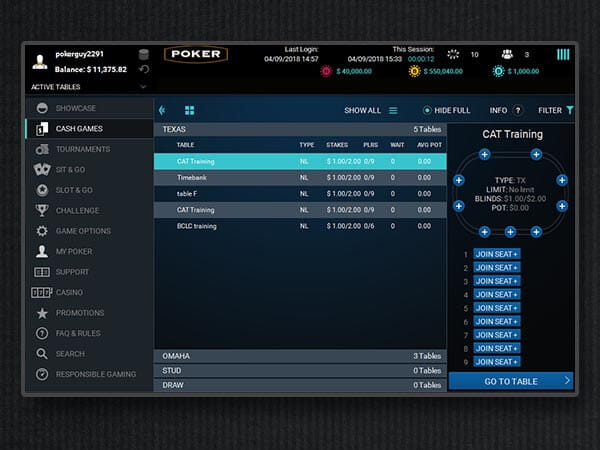
Step 3: Start Playing Poker Now
To find a game, use the tabs in the PlayNow.com lobby. From there you can select whatever game you want to play and set your
limits.
You can also search for specific tables, limits or formats by clicking on your chosen game
tab and then using the filter buttons to define your search.